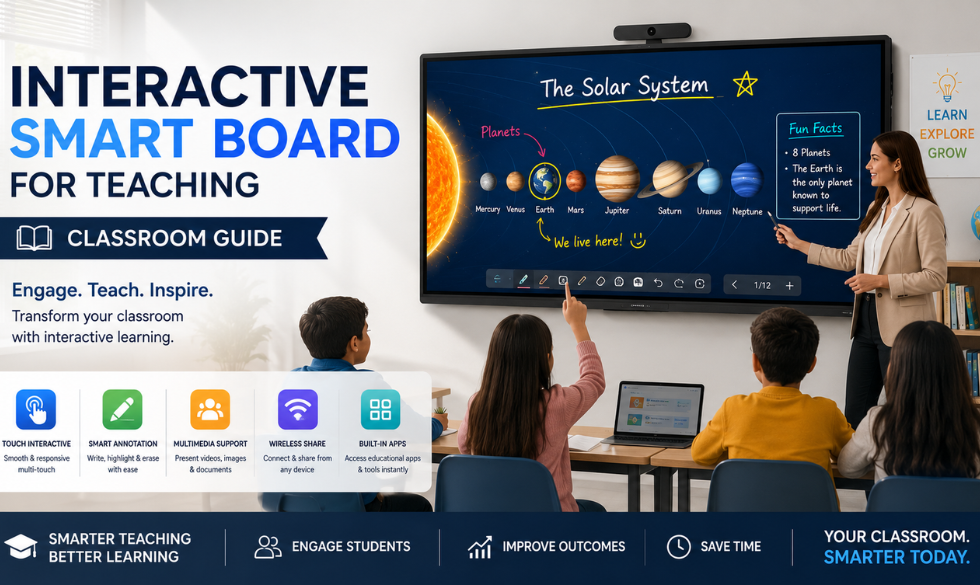
Classrooms are shifting away from projectors and static whiteboards toward large touch-enabled panels that behave more like a giant tablet than a display. This is not a niche upgrade anymore. Schools, coaching institutes, and universities across India are adopting interactive smart boards as standard classroom equipment, the same shift already underway with Intelisa's smart notice boards in institutional settings.
According to The Business Research Company, growth is being driven by the digitization of education systems and the wider rollout of smart classroom initiatives, both globally and within India's own school modernization programs.
What Is an Interactive Smart Board?
An interactive smart board, also called an interactive whiteboard or interactive flat panel, is a large touchscreen display connected to a computer that lets teachers and students write, draw, and interact directly on the screen using a finger or a stylus. Unlike a projector and a plain whiteboard, everything on the screen can be saved, replayed, and shared instantly.
Most modern boards run on Android or Windows, come with built-in annotation and screen-sharing tools, and support multiple simultaneous touch points, so more than one student can work on the board at the same time.
How Smart Boards Transform Classrooms
Higher Engagement
Students learn differently when they can physically interact with the material. Dragging a labeled diagram into place or solving a problem directly on the board keeps attention in a way that watching a static slide does not.
Easier Collaboration
Group work becomes simpler when multiple students can write on the board at once, or when a teacher can split the screen to compare two students' approaches to the same problem side by side.
Built-In Flexibility for Hybrid Learning
A smart board can mirror its content to remote students, record a lesson for later review, or pull in a live video call, making it far easier to run a hybrid class than juggling a separate projector, webcam, and whiteboard, similar to how interactive displays support hybrid collaboration in modern workplaces.
Richer, More Current Content
Teachers are no longer limited to what is printed in a textbook. A smart board can pull in a video, a live website, or an interactive simulation in the middle of a lesson, and that content can be updated every year without buying new material.
Key Features to Look For
Multi-Touch Support
Allows several students to write or interact with the board at the same time, which matters for group activities.
Built-In Teaching Tools
Look for annotation, screen recording, quiz tools, and a content library that comes ready to use out of the box.
Wireless Screen Sharing
Lets a teacher or student cast content from a laptop or phone to the board without cables.
Anti-Glare, High-Brightness Panel
Classrooms have uneven lighting; a panel that stays readable in daylight avoids constant curtain-drawing.
Rugged, Scratch-Resistant Surface
Built to handle daily use by students of all ages without the glass surface degrading over time.
Remote Content Management
Central IT or academic teams can push updates, lock down apps, or manage content across every classroom board.
Best Practices for Rolling Out Smart Boards
Match the Screen Size to the Room
A 65-inch panel suits a standard classroom, while larger lecture halls need 75-inch or 86-inch panels so the back row can still read the content.
Train Teachers Before Day One
A smart board only helps if teachers are comfortable using it. Short, hands-on training sessions before rollout prevent the board from becoming an expensive projector replacement.
Standardize Across Classrooms
Using the same brand, software, and content library across every room reduces support tickets and makes it easier for teachers to move between classrooms.
Build a Shared Content Library
Let teachers save and reuse lesson content, diagrams, and quizzes centrally instead of rebuilding the same material every term.
Plan for Maintenance and Support
Set up a clear process for reporting issues, and choose a vendor that offers remote diagnostics so small problems do not turn into a full class period without a working board.
Manage Every Classroom Display From One Dashboard
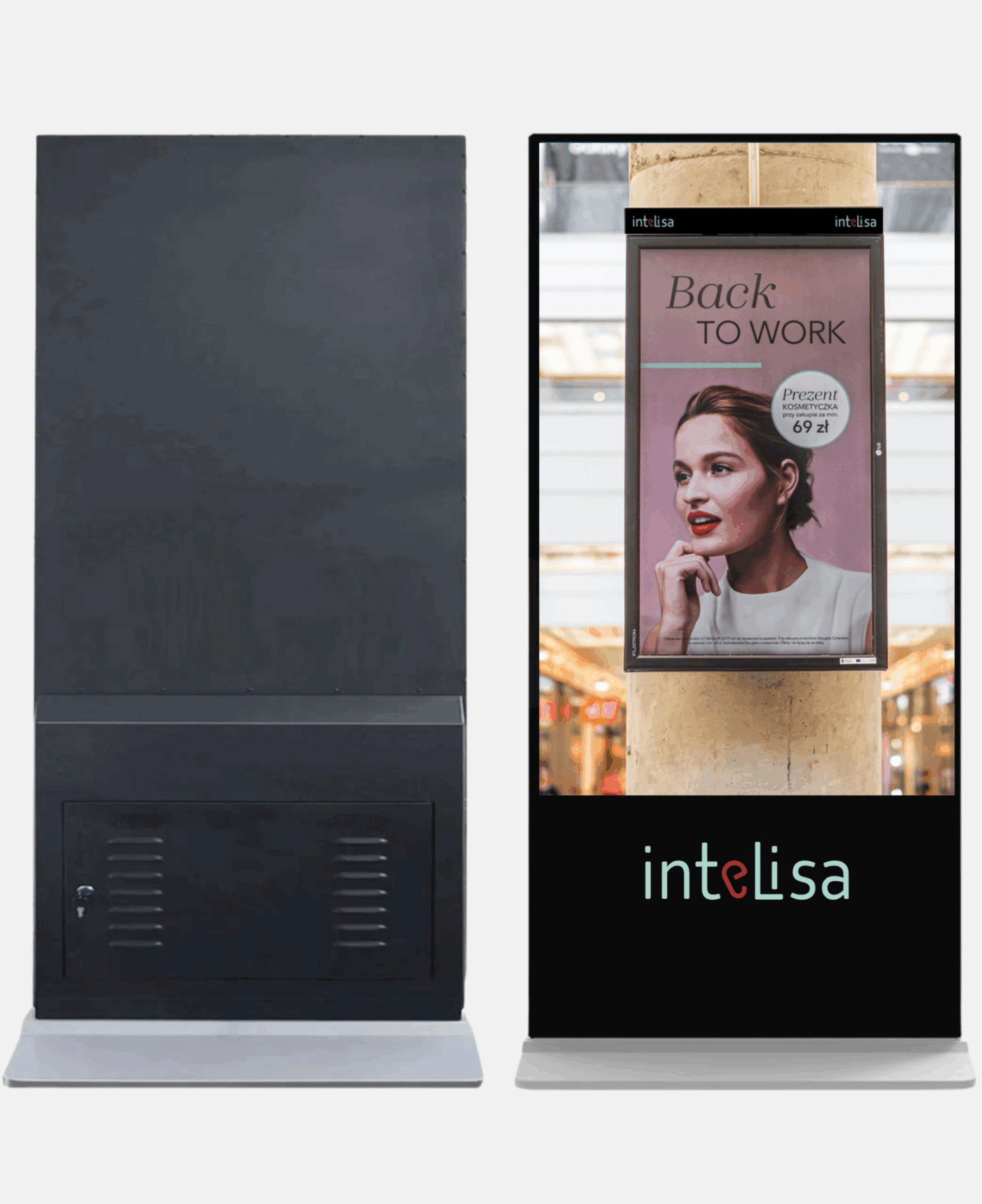
Intelisa's cloud-based platform runs interactive touch content on classroom displays and lets academic teams push lesson content, updates, and schedules across every room remotely.
- Push content and updates to every classroom instantly
- Works with any interactive touch display or panel
- Monitor screen status across campus from one dashboard
- Scales from a single classroom to an entire institution
Frequently Asked Questions
What is an interactive smart board?
An interactive smart board is a large touchscreen display connected to a computer that lets teachers and students write, draw, and interact directly on the screen, replacing a traditional whiteboard and projector combination.
How is a smart board different from a projector and whiteboard?
A projector and whiteboard combination only displays content one way. A smart board is touch-enabled, so content can be edited, annotated, saved, and shared directly from the screen, and it typically supports multiple users writing on it at the same time.
What screen size is best for a classroom?
A 65-inch or 75-inch panel works well for a standard classroom, while larger lecture halls or auditoriums typically need an 86-inch panel or larger so content stays visible from the back of the room.
Can smart boards support hybrid or remote learning?
Yes. Most interactive smart boards can mirror content to remote students over a video call, record a lesson for later playback, and integrate with common video conferencing tools, making them well suited to hybrid classroom setups.
Do teachers need training to use a smart board?
Some training helps significantly. While the basic touch interface is intuitive, short hands-on sessions covering annotation tools, content libraries, and screen sharing ensure teachers use the board's full capability rather than treating it as a plain display.
Is the interactive whiteboard market growing?
Yes. The global interactive whiteboard market was valued at approximately $5.21 billion in 2026 and is projected to reach $6.93 billion by 2030, growing at a 7.4% CAGR, driven largely by smart classroom initiatives worldwide.
Final Takeaway
An interactive smart board changes what a lesson can be. It turns a one-directional presentation into something students can touch, edit, and respond to, and it removes the constant juggling of projectors, cables, and separate video tools. As more institutions upgrade classrooms, the schools that plan for training, content management, and remote support get the most out of the investment.
Bring Every Classroom Online
Manage content across every interactive display in your school or institution from a single, easy-to-use dashboard with Intelisa.
Book a Free Trial